New Templates!


Ladies and gentlemen, boys and girls, welcome to the Template edition of Feature Friday!  This is Slater, your host, and today we have a fantastic arrangement of new templates for all your Site Style needs!

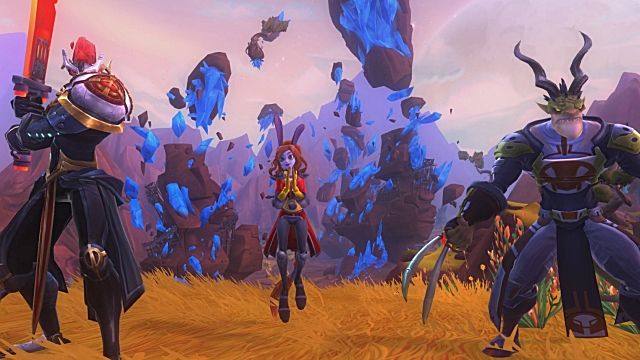
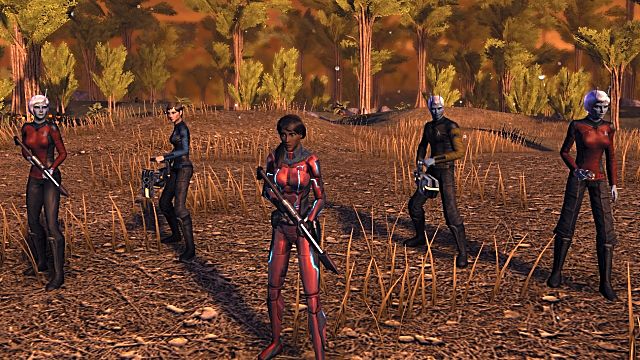
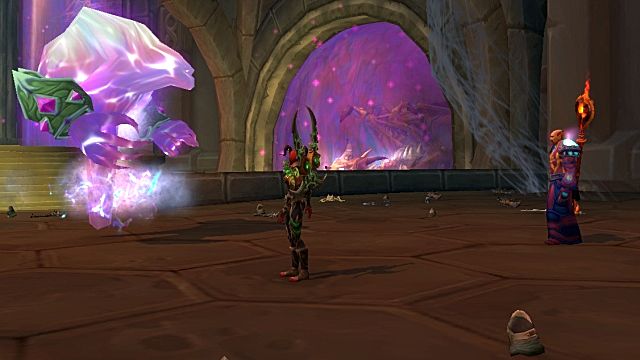
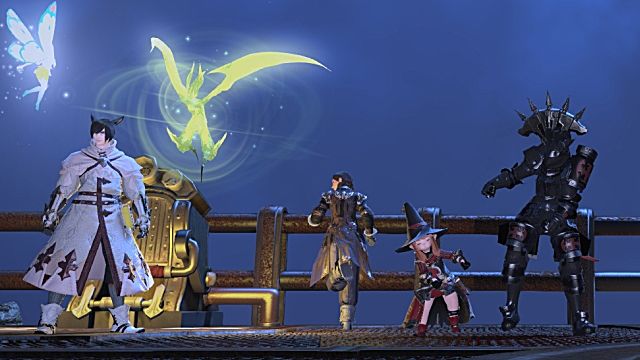
We have your bright templates, your dark templates, your zombie templates and your ‘mech templates!  From Pandarian Mists to DCUO Nemesis… we have it all, right here!

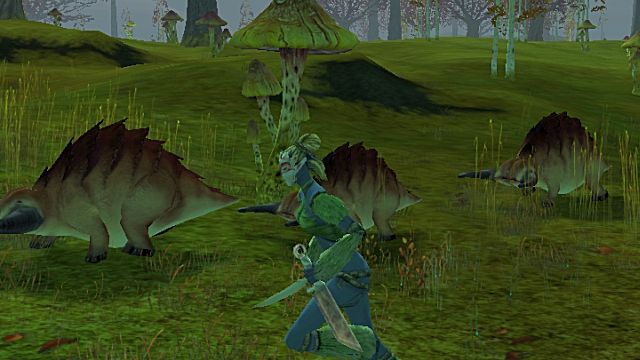
Guild Wars 2


Lord of the Rings Online


SWTOR

Minecraft


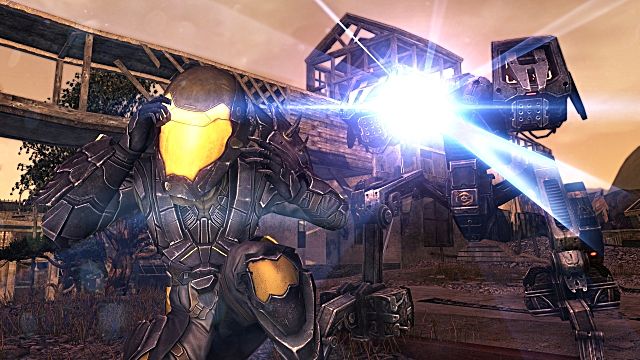
Mechwarrior Online


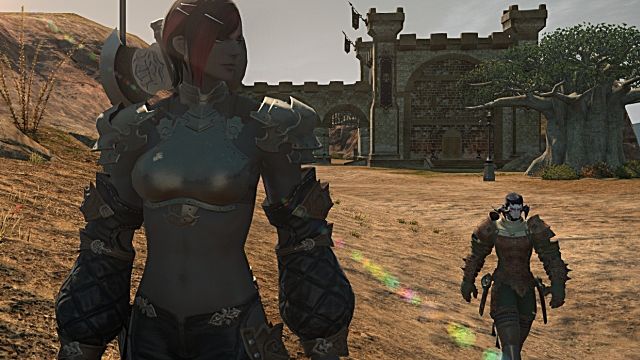
Final Fantasy XIV


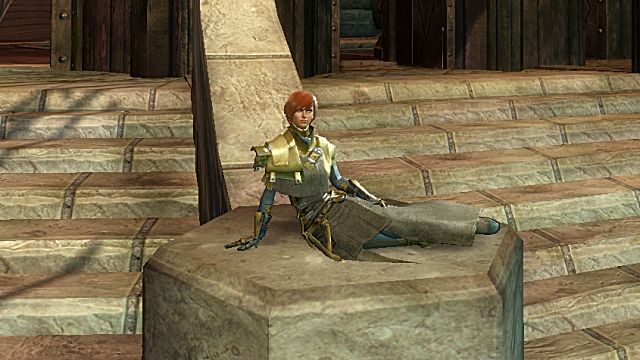
Guild Wars 2


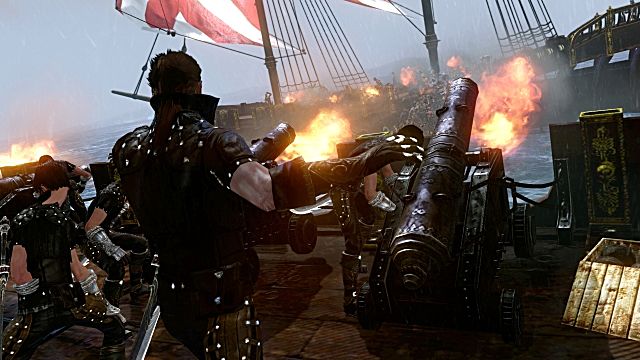
ArcheAge


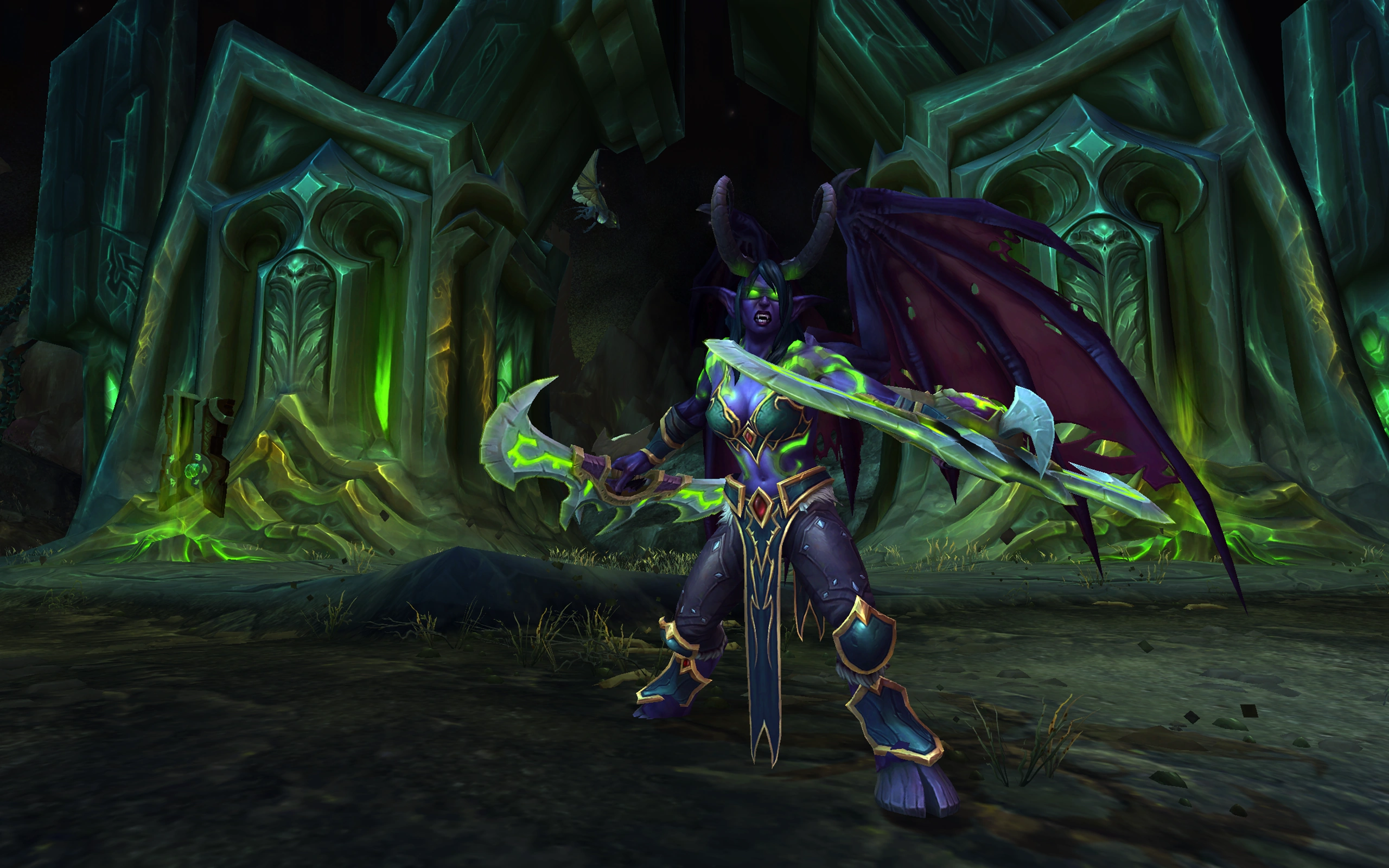
World of Warcraft


Darkfall


Neverwinter Nights


Planetside 2


League of Legends


WarZ


Defiance


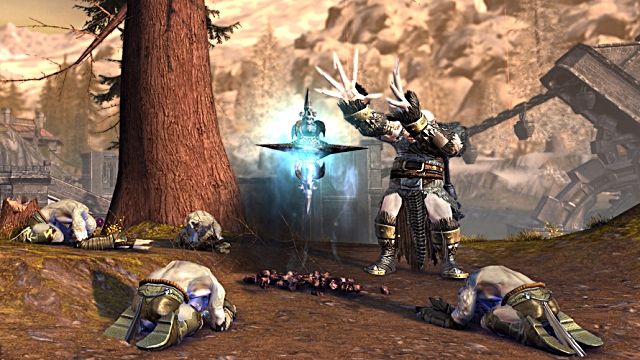
Lineage 2


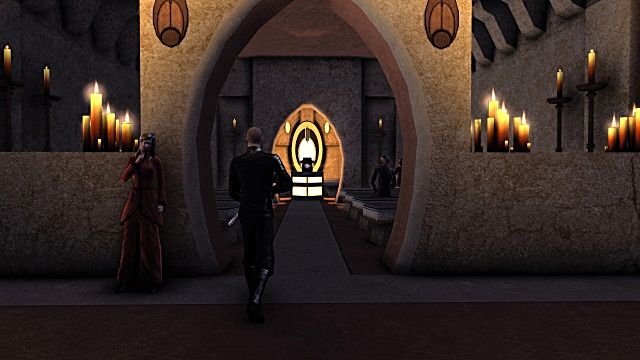
The Secret World


The Secret World


Torchlight 2


Path of Exile


Everquest 2


Everquest


Rift


Shaiya


World of Tanks


Halo 4


Shadowrun Online


Rose Online


Vanguard


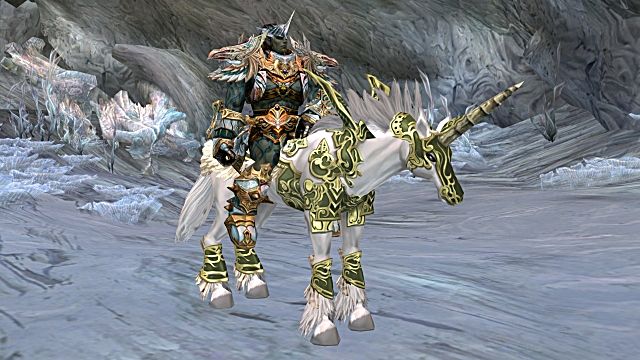
Tera Online


World of Warcraft


Elder Scrolls Online


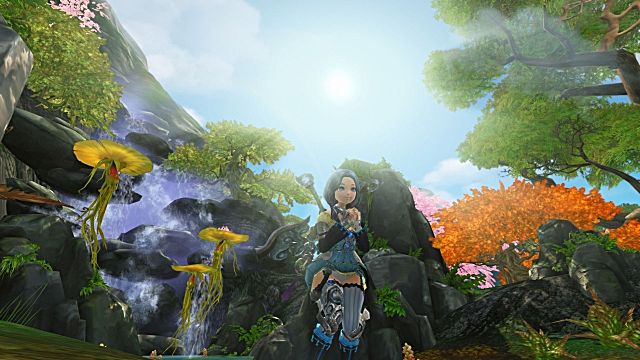
Perfect World Online


DCUO

Hope you enjoy our new templates!

Much like our Ask Slater Tuesday posts, if you have something you’d like to see, let me know! Send me an email at support@guildlaunch.com or send me a tweet – I’m @GL_Slater on the Twitter.


Posted in Development | Tagged , , , , | 1 Comment

When did Guild Launch change its site layout? Ask Slater!


Tibbles asks,

“Dear Slater,

I went to make a new site today and saw that y’all had changed the layout on the main page!  It looks great, but I feel like I’ve been out of the loop and didn’t realize you’d updated it.

Why did it get changed?”

Tibbles,

Don’t worry, we haven’t been keeping you out of the loop!  We updated our homepage and other main pages as of 11/26/2012.  We did a little smoke testing yesterday afternoon to make sure everything was up and running, and we’re officially making the announcement… well, now.

The old layout was solid and dark and imposing.  It had a great old guard look to it, and you can’t really fault an elf holding the world in his hand.

This is how Guild Launch used to look.

But times change.  As the industry grows and our company grows with it, we had been making multiple tweaks to the site as a whole, and wanted our homepage to reflect that!

And so we came up with an elegant layout… for a more civilized age.  (Can you tell I’ve been playing a lot of SWTOR?)

This is how Guild Launch looks now!

It’s brighter, more welcoming, and is ultimately just easier to navigate!  We hope that you enjoy it as much as we do, and welcome any feedback about it!  Just email us at support@guildlaunch.com or tweet at us on the Twitters at @GuildLaunch .

-Slater


Posted in Ask Slater, Features | Tagged , , , , | Leave a comment

Guild Launch Bug Patch, 11/12/12


This cycle’s updates are focused primarily on updating little quirks and bugs in current functionality:

Slashing the Slashes (Before Apostrophes)

There was a bug in the system that was causing front-slashes to appear in front of apostrophes in a site’s name and on the ‘General Info’ tab of a character’s profile.  These bugs are dead.  We killed them.

If you see this happening anywhere else, let us know and we will kill that bug dead too.

Full URL links in Primary Navigation

The system no longer adds the site’s GID to the end of external URL links, which was causing a bit of funkiness with tabs pointing to strategies and the like.

Blog and Badge tab highlights

It was brought to our attention that when you, dear user, clicked the Blog tab of a user profile, it would not be highlighted.  Clicking the Badges tab, however, would highlight both the Blog tab and the Badges tab.  That no longer happens.

Awards Now Unequipable

Users can now unequip awards from their user profile without any issues.

If you have ideas for what you’d like us to work on in the future, make sure to check out our Feature Requests area!

Posted in Development, Release Notes | Tagged , , | Leave a comment

The Lockbox – Feature Friday!


Let’s face it: running a guild is hard work.  Not only do you have to fight against the creatures of darkness on a regular basis (a reminder: check the Raid calendar for the next scheduled boss kill), you have to make sure that they’re prepared for those fights, that they’re geared up… and in-battle and out, you have to manage people.

And, to be frank, some of those people are jerks.  There’s one that rolls need on everything, the cleric that refuses to heal the main tank because she insulted his top-tier healing gear’s color scheme, and that one player whose comments make everyone mildly uncomfortable, but haven’t quite gotten to the point where anyone wants to confront them about it.

And then there’s the bitter officer.  You know who I’m talking about.  He’s not in every guild, but that’s because he rage-quit one night and decided to delete every single post in the forums before he left the guild entirely.  So now everything you’ve posted for the last three years is just gone.  Right?

Wrong.  We have your back.

All those posts he decided to delete in a fit of self-righteous indignation?  They’re tucked away in your forum safety net: the Lockbox.  This is a separate forum on your site that all posts move to when deleted, where they stay for forty-five (45) days before they can truly be removed from the site.

Here is where to find the lockbox

Here is the Lockbox on the Forum Administration tab of the Admin menu.

This means that an angry officer can’t just remove all the things you and your guild have posted in the past few years.  You can go back and restore them.

By default, only the site owner and Forum Moderators can see the Lockbox, so when a post is deleted, regular users won’t be able to view it.  And posts which genuinely are supposed to be deleted can be purged after the time is up, so the hundred posts that bitter officer made raging about how the guild is run don’t stay in perpetuity.

Restoring posts from the Lockbox is a premium feature, but even on an ad-supported site, deleted posts will move there first, so even without a subscription you have that buffer before it is removed entirely.

The best part?  It’s a forum like any other, so you don’t have to worry about a new interface when restoring deleted posts: you can use the forum moderation functionality to move posts and threads back to other forums, or merge them straight from the Lockbox!

This has been a quick overview of our Lockbox functionality. Much like our Ask Slater Tuesday posts, if you have something you’d like to see, let me know! Send me an email at support@guildlaunch.com or send me a tweet – I’m @GL_Slater on the Twitter.

Posted in Feature Friday, Features | Tagged , , , , , | Leave a comment

How do I show widgets on one page? Ask Slater!


“Dear Slater,

I’m setting up a few custom sections for my site, and I want to have different widgets on each of these sections.  Like, I’m setting up a Communications page, and want to have our Ventrilo widget show there, but I don’t want it to be on the main page or anywhere else.

How do I do this?”

Tibbles,

That’s a great idea, and it’s easy to do!  The functionality you’re looking for is actually built into each widget we have, and it’s editable when you’re widgetizing.

When you’re on your site, there will be links at the top right – above your username – for different admin areas.  The link you want is the Widgets mode link. (If you don’t see this, make sure you’re 1) logged into an account with admin permissions and 2) have clicked the ‘Show Customization’ link next to your username.)

Clicking that link puts you into Widget editing mode.  Buttons will appear to add widgets to each column on the site, and there will be an option at the bottom of each individual widget to remove it or customize it (some also have an edit button, but that’s a different article).

How widgets look in Widget mode

Once you have added the widget with one of the green button that appears on the site itself, you will want to click the ‘Config’ button below that specific widget.

That will bring you to the customization menu for that widget, which lets you change the name and any options for the widget in question.

At the top of that menu, there are two options.  By default it’s on the ‘Widget Configuration’ portion, but there is also a link for ‘Visibility’, which will let you set which sections on your site that widget will appear on and who will be able to see the widget.

In addition to the standard areas available on any site, like the forums or the image gallery,  any custom sections that you have created on the ‘Site Structure’ tab of the admin menu will also be selectable.

The Visibility Menu for Widgets

Once you have chosen your visibility options, all you have to do is click ‘Submit’ and the changes will go live on your site!

-Slater

If you have a specific question you think would be perfect for these articles, send us the request at support@guildlaunch.com and Slater will personally review it and – after answering the ticket so you have the answer – potentially post it here with your username and guild site. If you would rather not have your username and site posted, Tibbles will ask the question on your behalf for Slater to answer.

Posted in Ask Slater | Tagged , , , , , , | Leave a comment

Rift Roster Imports: Feature Friday!


Are you ready for 11/13/12?  With Storm Legion‘s release, you are going to need all hands on deck – your guild had better be up to the task.

Rift expansion

In fact, it might be good to do a roll call now, just in case.  Make sure everyone is up-to-date, ready, able and geared up to Crush All The Things when Trion opens up the floodgates.  Recruit some new members to make sure that you are prepared for what is coming.

Then it’s time to update your support systems to make sure everyone knows what’s going on, in-game and out.  That includes updating your guild roster on your website, to show off just how ready you are for the storm on the horizon.

And the best part?  That part’s automated!  Guild Launch sites can use the XML from in-game commands to get you a file you can upload to add everyone to the site automatically, instead of having to update everything by hand.

Step One: Getting the XML

The first step is to actually get the XML.  This is done in-game with a simple command – /dumpguild .   Using that will generate a guild.xml file in the install directory for Rift, which you can then use to upload the information to your site.

Step Two: The Import

This is the Roster Navigation menu on your guild site.Once you have the guild.xml file from your install directory, go to the Roster tab of your Guild Launch site (NOT on the Admin section).  There will be a link under ‘Roster Navigation’ on the left of the Guild Roster page which you can click to get to the full XML import option.

From here, you will see the following screen:

Importing your Rift Roster to your Guild Launch site


Choose your Faction (Defiant or Guardian) from the dropdown menu, then copy and paste the XML from the guild.xml file on your computer to the ‘Guild.xml File Contents’ field.  Click ‘Run Guild XML Import’ and you’re done – the system does the rest!

This has been a brief overview of the Roster Import functionality for Rift.  Much like our Ask Slater Tuesday posts, if you have something you’d like to see, let me know! Send me an email at support@guildlaunch.com or send me a tweet – I’m @GL_Slater on the Twitter.

Posted in Feature Friday, Features, Rift | Tagged , , , , , , , | Leave a comment

How do I get a Google email from my full domain? Ask Slater!


Tibbles writes,

“Dear Slater,

Last week you helped me set up my full domain on my Guild Launch site.  This is great, and I decided to take it a step further and set up an email address through Google that is linked to my Guild Launch site.

The problem is, it’s asking me for verification that I own the domain and I’m not sure what I need to do.  Can you help me?”

Tibbles,

Sure thing!  There are a number of ways that you can verify ownership of the domain, but the process is a mix between the initial configuration of your Guild Launch account and configurations within Google’s system.

Step One: Linking your Google Analytics code

Google Analytics graph

The first thing you will need to do is link your Google Analytics account to your Guild Launch site.  Information on how to do this is found in our FAQ here.

Step Two: Linking your full domain to your Guild Launch site

After you’ve done that, you will need to add your full domain to your guild site.  This is done by following the instructions in  last week’s Ask Slater, found here.

Step Three: Sign Up For Google Apps

Link to Google AppsFor this step, go to www.google.com/a and set up your Google Apps account.  Follow the instructions (available here) and you’ll be asked for verification of your account.

Step Four: Verifying Your Site

Once all this is said and done, you will need to verify ownership of the site.  There are four options that are available via Google, and the one you want is to verify using your Google Analytics Tracking Code.

This is done on the Google Apps menu.  When you’re following the instructions in their menu, choose the ‘Link to your Google Analytics’ account option and verify that this is what you want to do.

Google will check the domain and find your Google Analytics code on the site, thus verifying the account.  From there, you’ll be registered and ready to use your new Gmail address!

-Slater

If you have a specific question you think would be perfect for these articles, send us the request at support@guildlaunch.com and Slater will personally review it and – after answering the ticket so you have the answer – potentially post it here with your username and guild site. If you would rather not have your username and site posted, Tibbles will ask the question on your behalf for Slater to answer.

Posted in Ask Slater | Tagged , , , , , , , | Leave a comment

How do I add a full domain to my site? Ask Slater!


Tibbles writes,

“Slater,

I saw that the premium plans include ‘Your Own Domain’.  That sounds like a great thing to have, but I’m not completely sure what it is and how I set it up.  How do I do this?”

Tibbles,

That line item basically means that you can point a full domain that you own (they generally cost around $13 from a registrar like Godaddy) to your Guild Launch site.  There are a couple steps you need to take in order to get this done.

Step One: The A Record

The first step is done through your registrar: you need to point the domain to the Guild Launch servers.  This is done with an A Record.  The full details on how to do this depend on your registrar, but here are a few sample instructions:

Godaddy A Records

Network Solutions A Records

Make sure to point the A Record at 74.200.254.228  – this will get it halfway there, to our servers.  This change can take up to twenty-four (24) hours.

Some registrars allow both www.address.com and address.com to be pointed with one A Record, and some do not; this ultimately depends on the registrar you’re using, but you may need to set up two A Records during this step.

Now you’re ready for…

Step Two: Adding the Domain

Once you’ve pointed the A Record to our system, you can add it to your Guild Launch site!  This is done on the Admin menu, under the ‘Site Structure’ tab, by clicking ‘Site URLs.

This is how to set a full domain on Guild Launch

At the bottom of that page is the option to ‘Add A Full Domain to Your Site’ – just enter the URL in the text field, click ‘Add Domain’ and you’re set!  The final result will end up in the ‘Currently Active Domain(s)’ category:

This is how you add a full domain to your Guild Launch site

That’s all there is to it!  The domain is linked, and once the A Record is fully up and running on your registrar’s end, users can use that domain to go to your site on Guild Launch.

-Slater

If you have a specific question you think would be perfect for these articles, send us the request at support@guildlaunch.com and Slater will personally review it and – after answering the ticket so you have the answer – potentially post it here with your username and guild site. If you would rather not have your username and site posted, Tibbles will ask the question on your behalf for Slater to answer.

Posted in Ask Slater, Features | Tagged , , , , , , , | Leave a comment